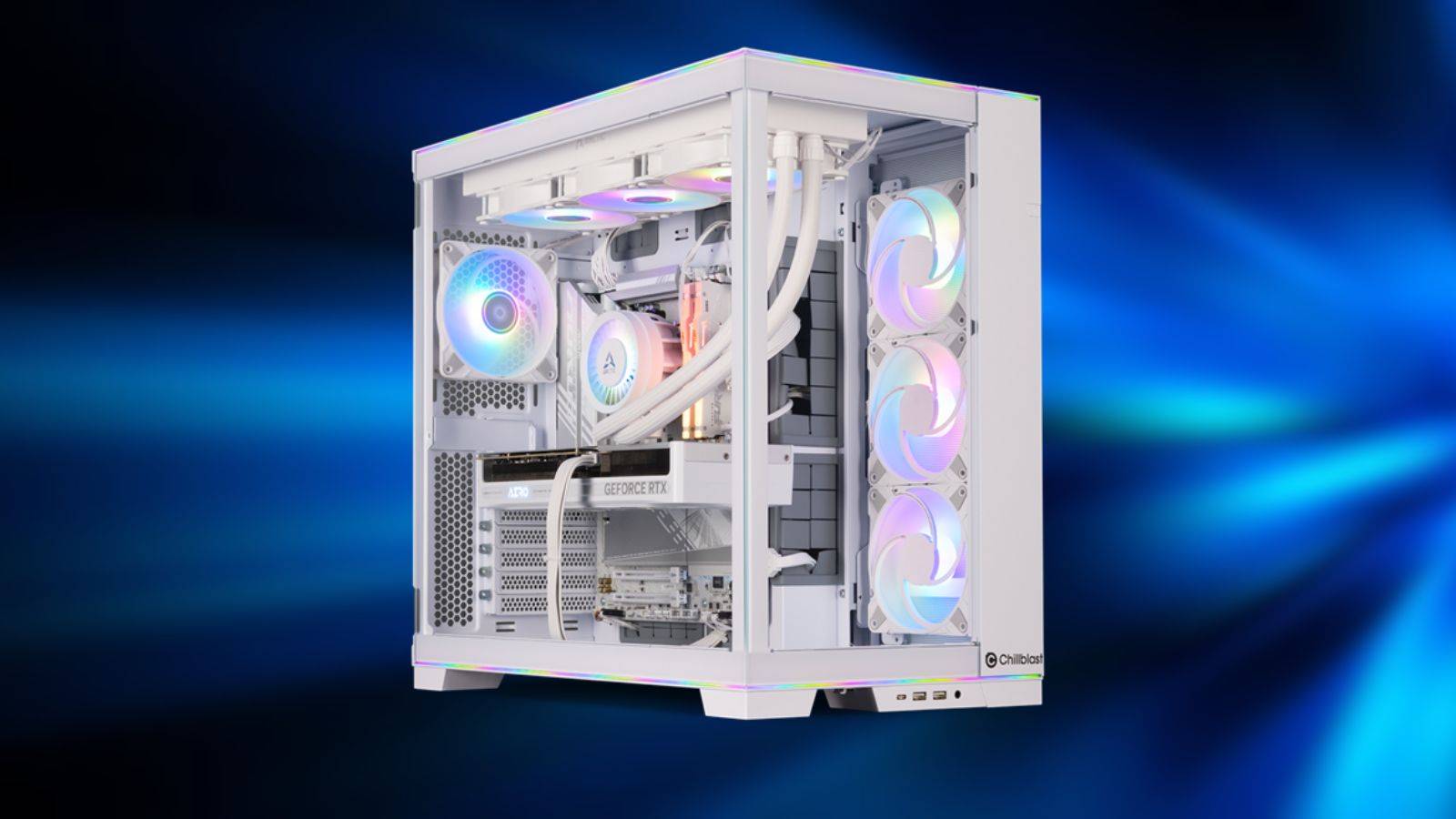
Building a PC has been the dream of many players looking to take their gaming sessions to the next level, and over the years technology has gotten bigger and better across the board. Games these days consume a lot more power, and there is a nearly endless list of different options available on the market at every price point imaginable.

29 of the coolest games on high-end PCs
PC is known to provide the best visual experience in gaming. If you have a high-end PC, check out this beautiful game.
But as we move into 2026, the PC parts landscape is in a very challenging situation, with prices soaring due to increased demand from AI data centers and the latest games often launching broken or unplayable even on the best hardware. Whether you're entering a space for the first time or looking to update your equipment, there are several factors to consider when making a large purchase and determining exactly which components will accommodate your needs.
VRAM
8GB may no longer be enough

details:
-
More games require more VRAM.
-
Certain new cards also don't offer more than 8GB.
One of the most common mistakes PC builders still make is purchasing a GPU with only 8GB of VRAM. While this may have been acceptable a few years ago, modern games are much more demanding of high-resolution textures, ray tracing, and massive open worlds that continue to push even high-end equipment to its limits.
Even at 1080p, many modern games still require at least 8GB, and lower-end systems suffer from stuttering and other issues that make the entire experience unplayable. Ultimately, GPUs with limited VRAM can become bottlenecks long before raw performance shows up, causing otherwise capable cards to feel outdated too quickly.
future proof
Prepare for more than today

details:
-
Expectations for increasingly challenging games
-
It's better to have more power than less
The world of technology moves so fast these days, it seems like every other week a new benchmark is set that completely shakes things up. Despite still offering top-tier performance in the PC aftermarket, many components can feel outdated pretty quickly, so it's important to think ahead when making a big investment in more expensive components.
While certain builds within the low-to-mid tier range may seem quite attractive right now, over time players will start to feel burdened by the lower tier portion when it comes to more demanding and demanding games. It's always worth considering a slightly more powerful setup. Even if it means spending a few extra dollars, it will be worth it in the long run.
drive
There's only one thing you need

details:
-
You don't really need a separate boot drive.
-
It's cheaper to buy a single large M.2.
Many builders still assume they need separate drives for Windows, gaming, and storage, and spend a lot of extra money on multiple SSDs to spread out the storage. In fact, modern NVMe SSDs are fast enough to handle everything at once without a problem, and partitioning a drive can actually make things more complicated and expensive without any meaningful benefit for most users.

Best low-end PC games (low-end and older PCs)
You don't need a monster PC to see the best the platform has to offer. Today we'll cover the best budget PC games.
Multiple drives are only suitable for certain workflows, such as video editing, large archives, or professionals who need more extensive storage, but for gaming-focused PCs, a single large SSD is simpler, cheaper, and much easier to manage.
ram
prices through the roof

details:
-
Buy what you need
-
There is no guarantee that prices will fall again soon
RAM prices have exploded over the past few months, with many products doubling or even tripling in price overnight. However, when it comes to how much you need, 16GB of RAM should be considered the bare minimum for gaming in most cases. That's because many games may still run just fine, but background apps, launchers, browsers, and Windows itself can quickly eat up that free space.
Especially for streamers, modders, or creators, 32GB is much more practical, and buying less RAM will not only reduce performance, but can actually cause much bigger problems like system instability under high load. The prices are pretty high overall, but it's worth looking for deals to fill up extra slots and ensure a much smoother experience overall.
overspending
Cheap alternative anywhere

details:
-
Deal Search
-
Options at almost every price point
One of the biggest traps players still fall into is building more than they need. Competitive games like CS2, Valorant, or League of Legends run very well on mediocre hardware, so spending thousands of dollars on these titles isn't a waste. Especially considering that you basically can't feel the benefit in-game.
The higher-end build is perfect for those who play demanding single-player games, 4K games, or use system-intensive applications for work. But a general rule of thumb is that it's not too much to think about what the device will be used for, and what kind of performance it really needs to live up to it.
Compatibility
Make sure everything fits together

details:
-
Identify functional component pairs using PcPartPicker
-
Understand how parts fit together
Compatibility issues are still shockingly common, as many people expect all the pieces to fit together like a Lego set. This is especially true for beginning creators. Many consumers end up using a CPU that doesn't match their motherboard, RAM that doesn't run at rated speed, and a case that doesn't fit their GPU, wasting a ton of time and money.

14 Best Multiplayer Games for Low-End PCs
You don't need the latest and most expensive gaming setup to enjoy these titles with your friends.
There are scenarios where a user may try to force certain parts to connect or work together, causing disruption and costing more than just taking a moment and double-checking with a site like PcPartPicker. Some experienced builders may miss things like BIOS requirements or sizing issues. This means that just a few extra minutes of checking can easily save you hours of troubleshooting and frustration.
lack of spending
No one wants a burning PC

details:
-
Cheap parts may sound too good to be true.
-
The second hand market can be a gamble
Overspending is certainly a bad thing, but moderation is just as dangerous. A cheap power supply or no-name motherboard can cause it to crash, throttling or even cause permanent damage, and while many people think these extras are just little extras that make your PC run, they're actually just as important as your CPU or GPU.
A particularly bad PSU can bring down the entire system, which is especially common on the used market. Reliability is just as important as performance. Especially for long-term builds, buying from a reputable source and making an educated purchase that doesn't go too far over your needs may be all you need to avoid all the extra drama and nightmares.
Is RGB really worth it?

details:
-
flashy vs functional
-
Prices depend on more than just power.
Building a PC is a two-sided coin: having something that looks good on your desk as well as creating a powerful device that can play games and support your workloads. Many parts today include additional features like RPGs or customizable panels, and adding just a few of these special parts can quickly add up to a significant amount in the total price of your system.
It's nice to have a flashy PC with glowing lights and a cohesive good look, but for many people, performance is everything. It's possible to create a good-looking, performing system within a certain budget, but if having a nice full white setup and increased performance are important to you, players may want to consider which is more important.
excessive peripherals
500Hz may be a bit excessive.

details:
-
Find the right monitor for your system
-
Expensive peripherals don't guarantee a better experience
The peripheral market has developed as much as the actual components. Monitors are turning into monstrous windows into virtual worlds, capable of delivering insane refresh rates and unmatched color clarity or advanced features all at the same time.
Buzzwords like 4K and FreeSync may tempt you to pick up a new screen, but it's important to know whether your PC itself can take advantage of higher resolutions and settings during actual gameplay. If not, you might be better off investing in a whole second monitor rather than a single monitor that won't allow you to utilize that money almost completely.

7 PC Games with Surprisingly Low System Requirements
PC games typically have a variety of hardware required to run the game properly. Some titles with surprisingly low system requirements include:
